Everything you do to your car, in one app.
Garage, parts, a store for your car and an assistant that knows it. It all starts from the car you add.
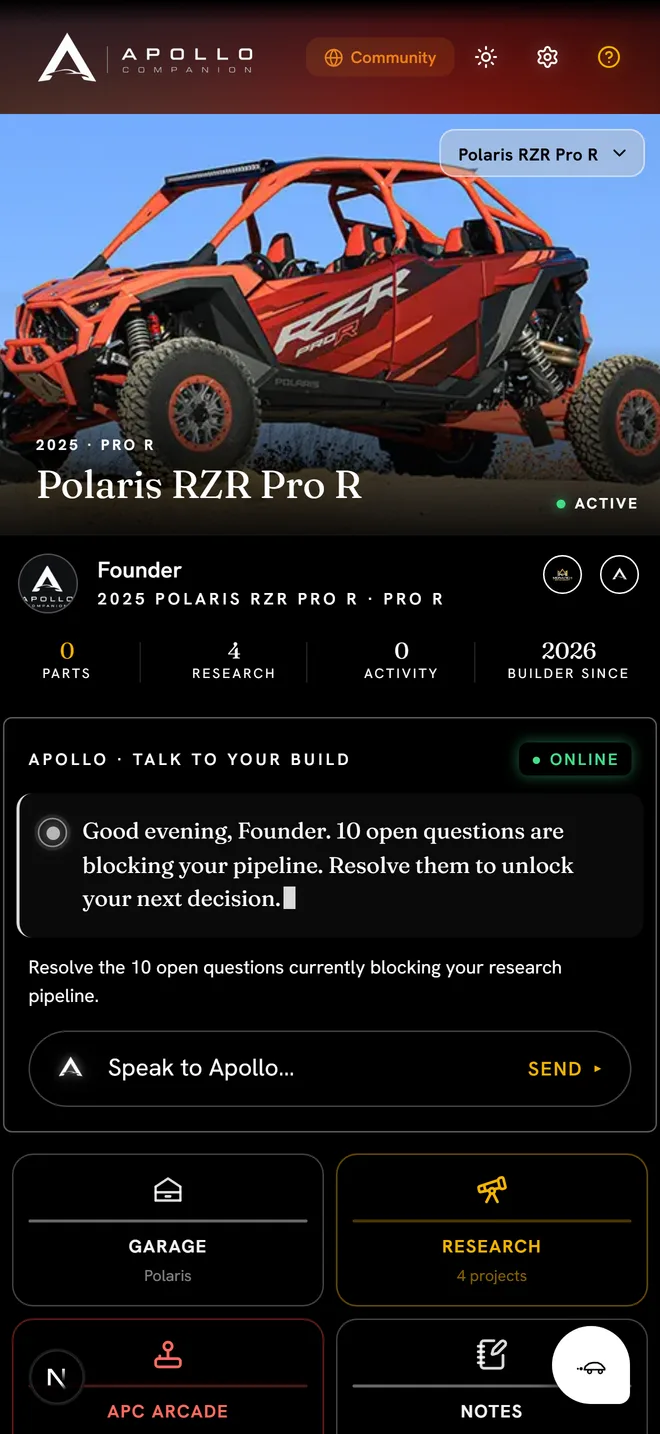
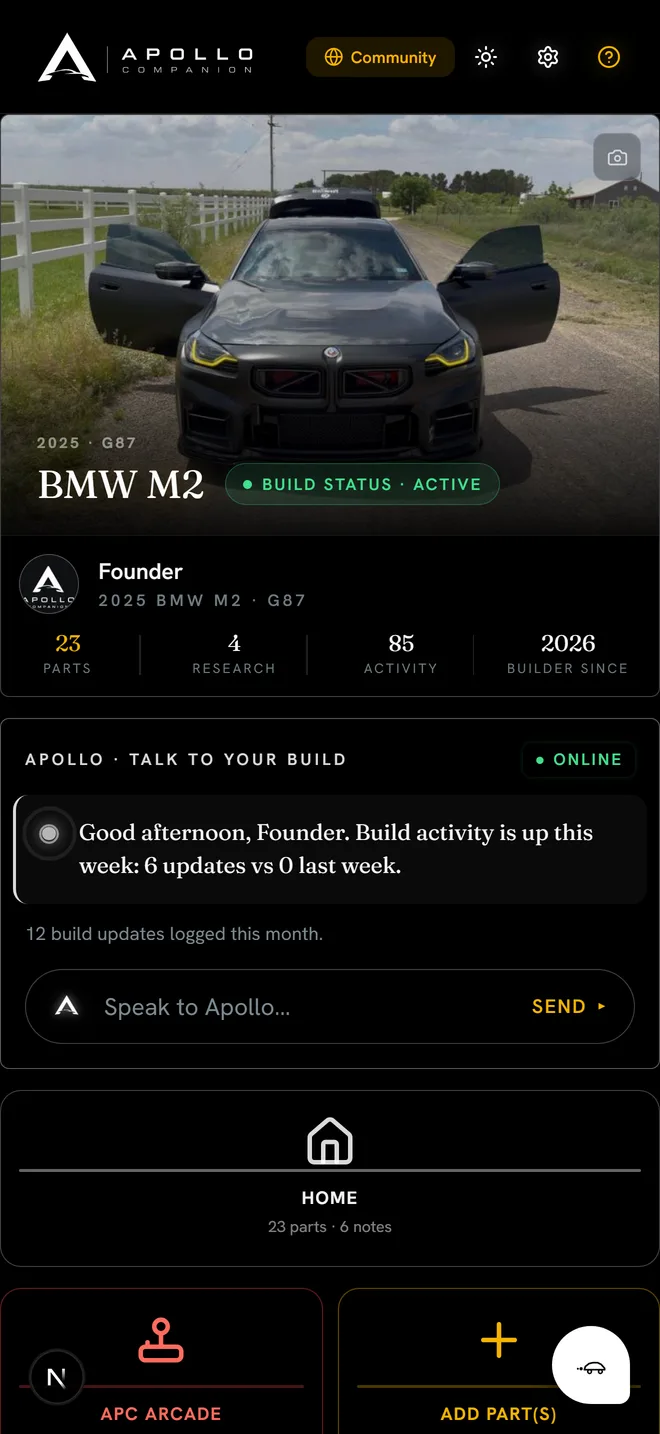
Add the car. The numbers come with it.
Pick the year, make and model and the trim, engine and factory specs fill in. Your parts, service history and build goal sit on the same card, so when you ask Apollo something, it answers about this car.
- Specs, parts, spend and build coverage on one screen
- Service intervals that follow how the car is built
- Open recalls for your year and model show up on their own
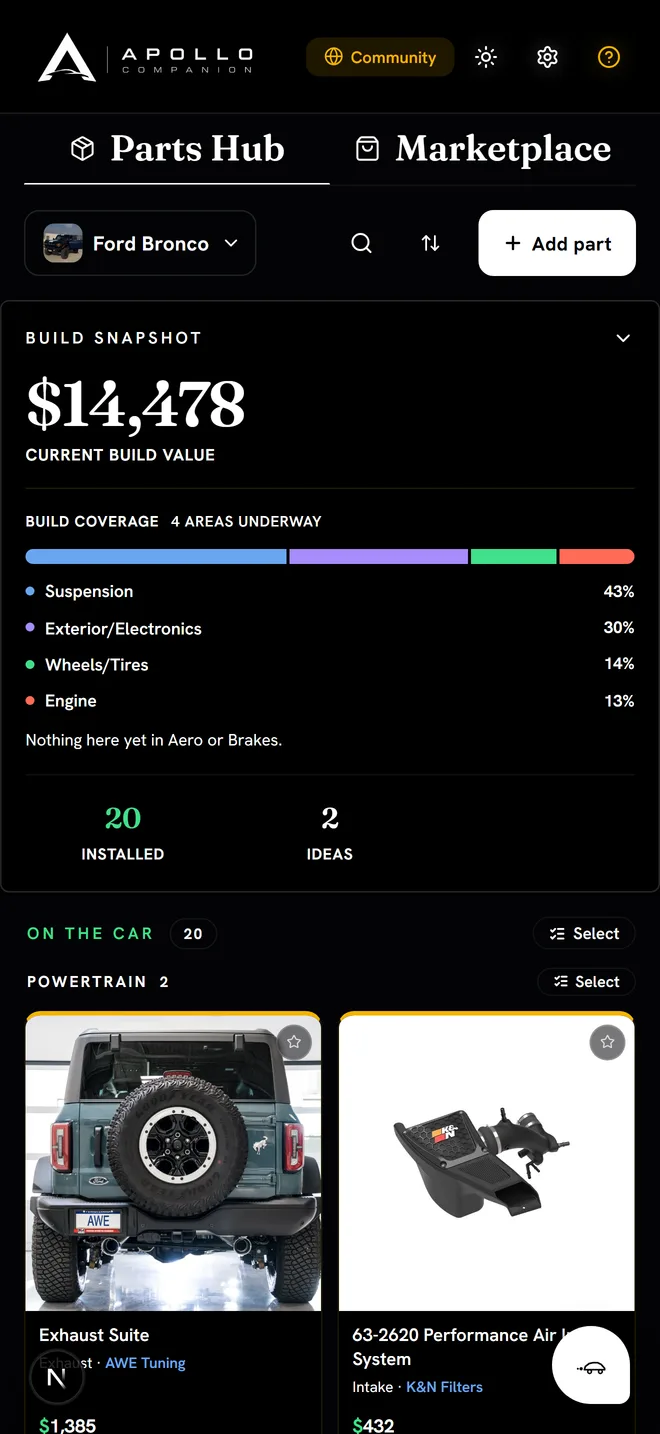
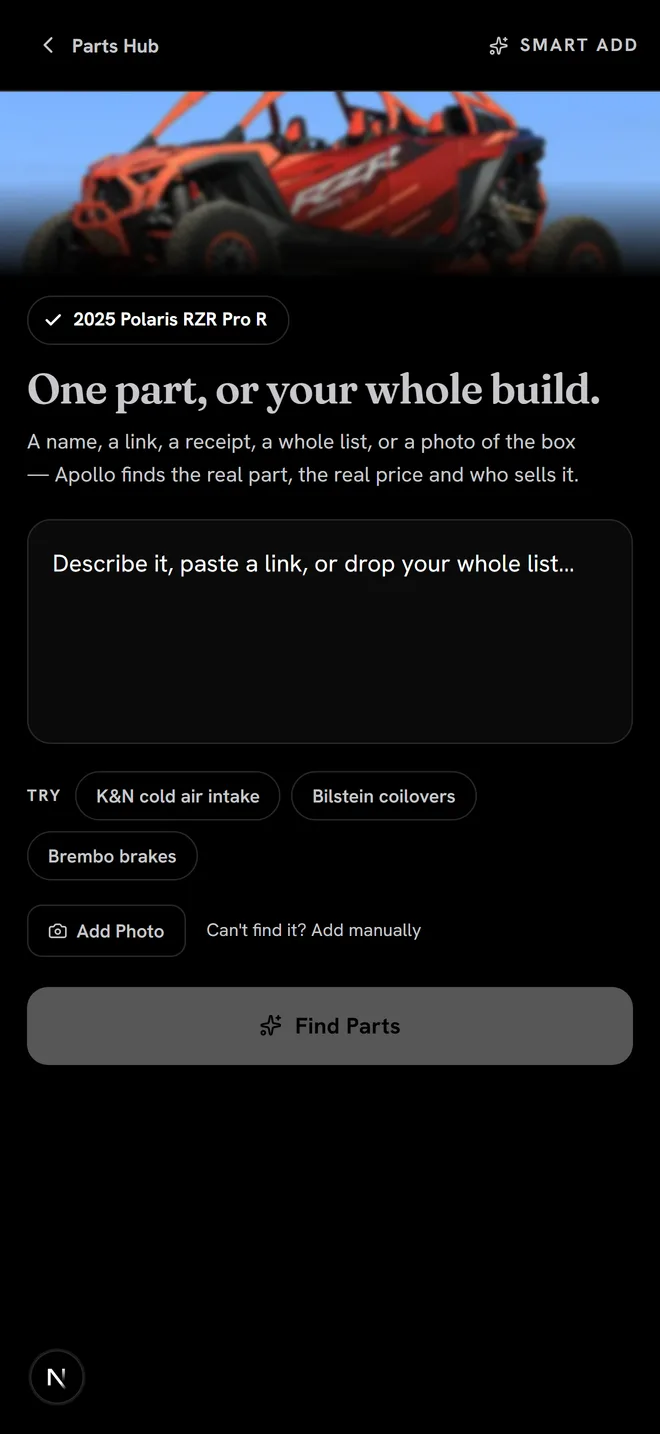
Every part, tracked without typing.
Paste a link, snap a photo of the box or a receipt, or drop in a whole list. Smart Add turns it into a tracked part with the brand, the price and where you bought it.
- Smart Add reads links, photos and receipts
- Price Watch checks the price every day
- Installed, bought or still an idea: each part knows where it stands
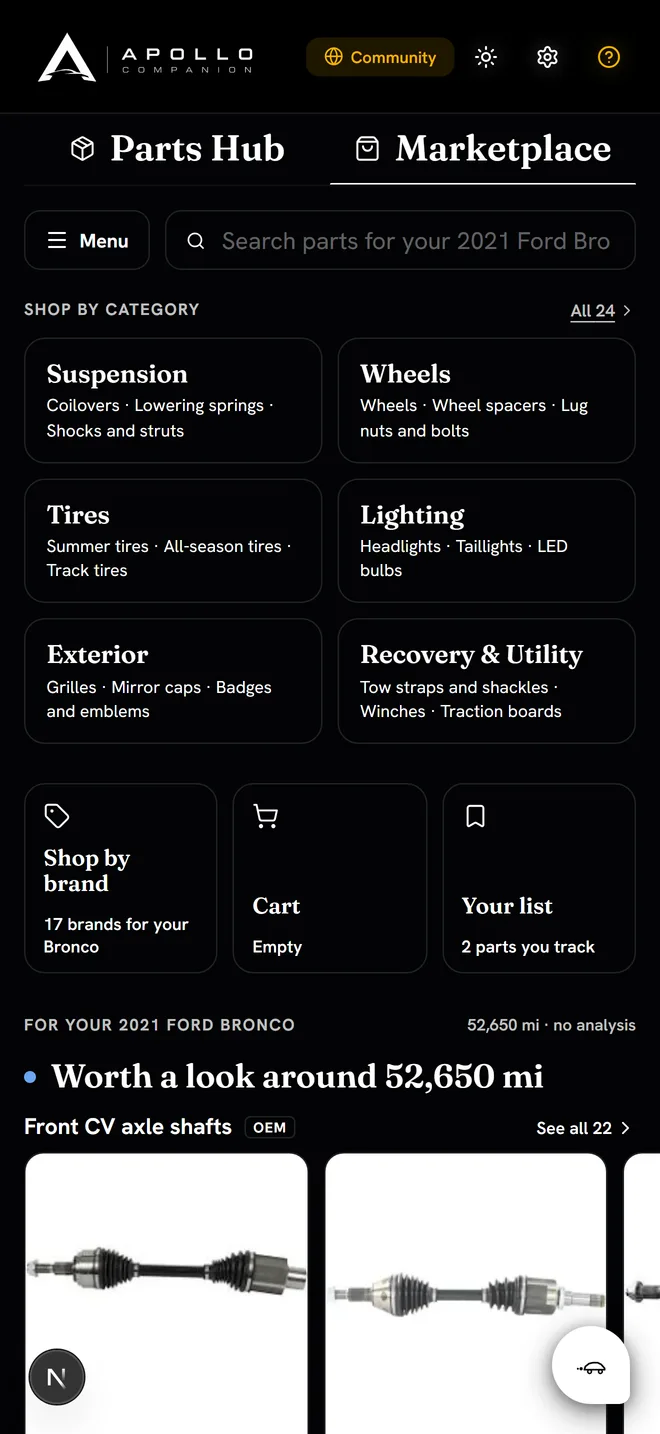
A store built around your car.
Real listings by category for the car you added, the brands that make parts for it, and what is worth a look at your mileage before it turns into a repair.
- Listings matched to your car
- Brands that build for your platform
- Apollo codes for real discounts where a brand offers one
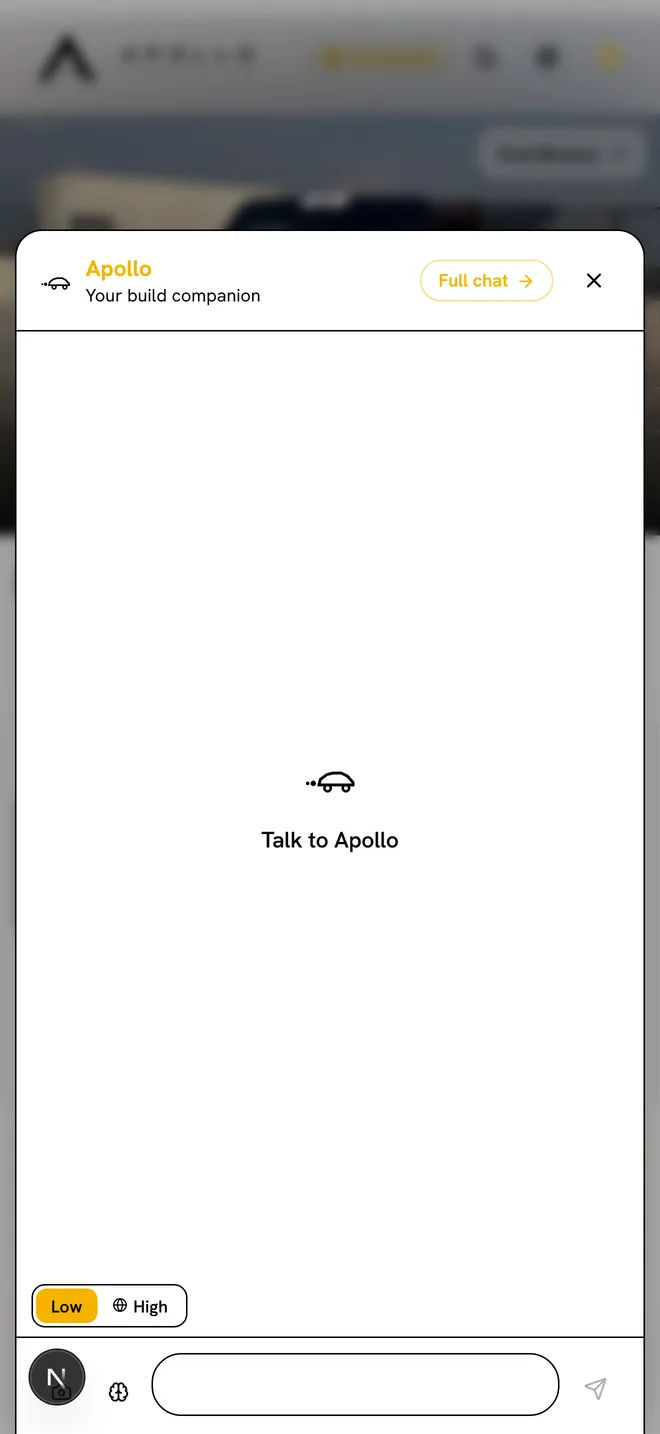
It already knows what you drive.
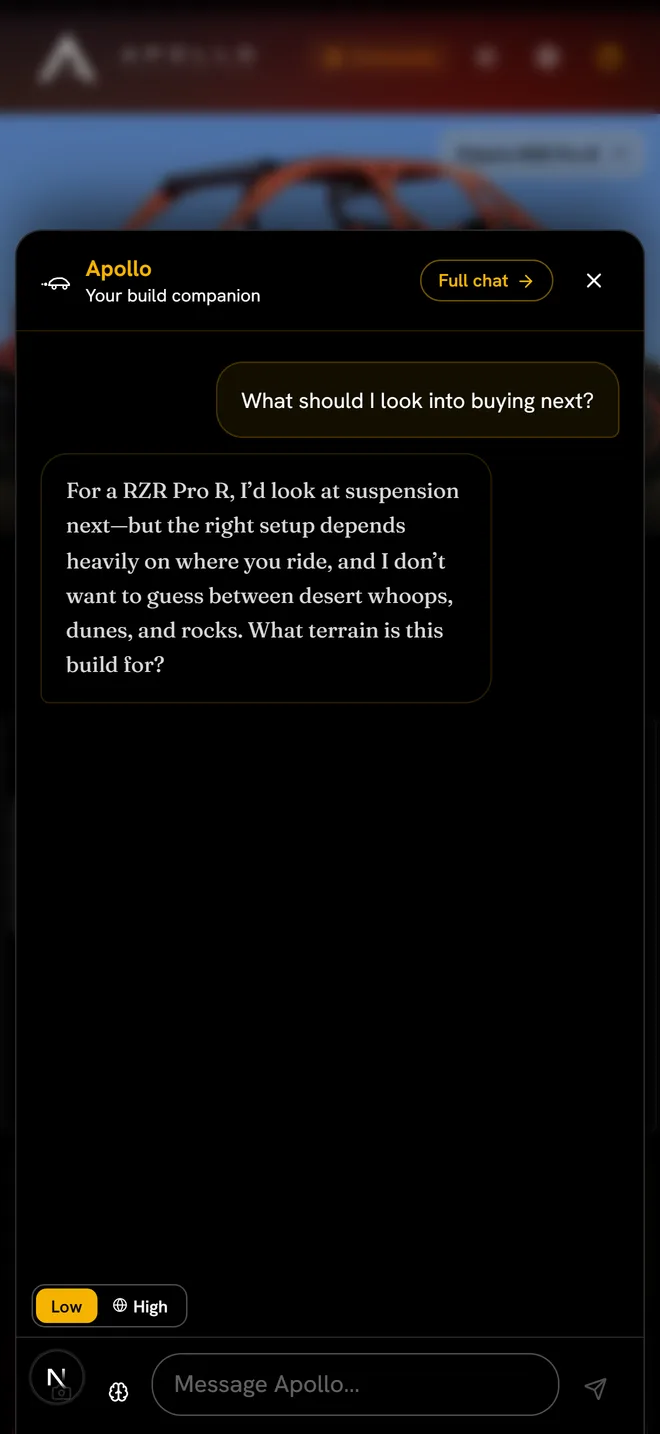
Ask what fits, what tends to fail, or what to do next. Apollo reads your spec sheet and your parts list first, so you never have to explain the car. How To turns the answer into steps you can follow.
- Answers about your car, not cars in general
- How To writes installs and repairs in order
- Build Studio pins each part where it sits on your car